Acorn and oak leaf SVG

Print or download this SVG cut file
More formats and options
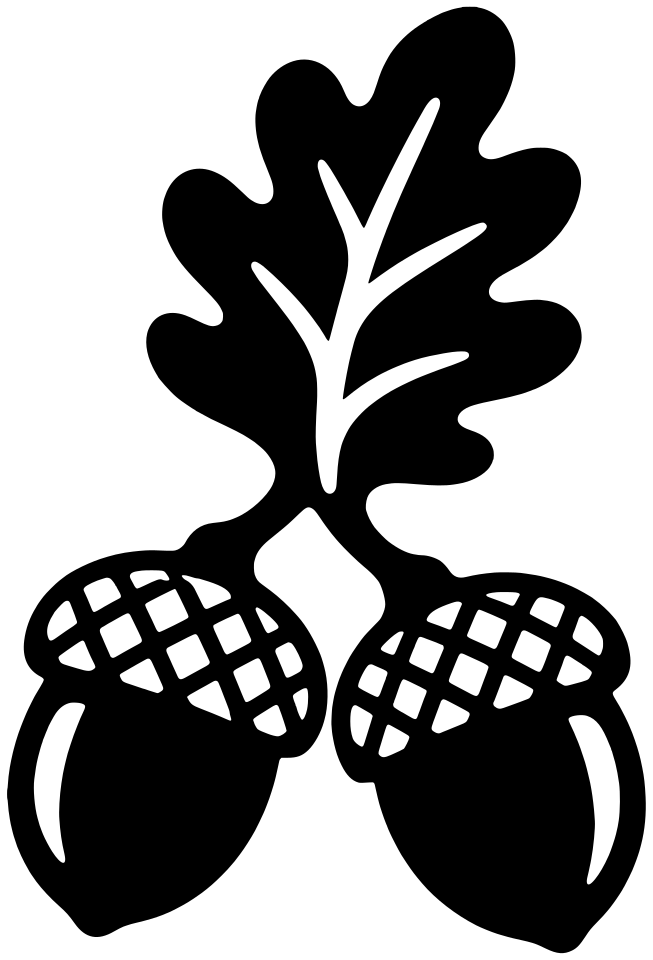
Free for home and classroom use. License
Two acorns joined to an oak leaf at the stems, so the design stays in one piece. It suits fall cards, gift tags and small decals. Cut the caps in a darker brown for a two-layer look.
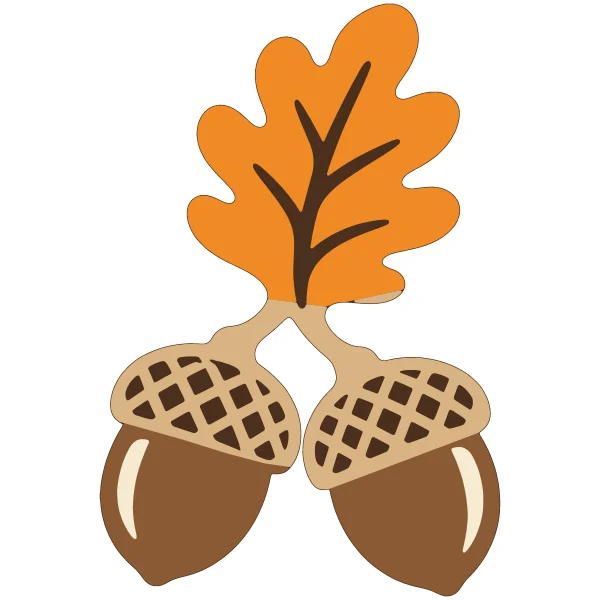
- Dark brown (base)
- Orange
- Brown
- Tan
- Cream
Upload it to Cricut Design Space
- Tap Download SVG.
- In Design Space, choose Upload, then Upload image, and pick the file.
- Set the size on the canvas, then Make it.
How to use layered SVGs in Cricut Design Space
- Tap Layered SVG and upload the file the same way. Each color comes in as its own layer, with the base at the bottom.
- Keep the layers grouped while you resize, so they still line up.
- Choose Make it. Each color goes on its own mat, so load the matching cardstock or vinyl.
- Glue or press down the base first, then add the other layers on top.
Small pieces are easiest to cut and place at 5 inches or larger.
Make a coloring page of your own
Describe a picture and we draw it as a black and white coloring page. It doesn't make cut files.


