Name coloring page generator
Type a name and print it in big bubble letters. Add a picture under it if you like. Free, no sign-up.
The name stays on your device.
AI picture and style (optional)
A picture under the name. Each new picture uses 1 page.
Print or download
More formats and options
How it works
- Type the name. Short names get the biggest letters, and two names go on two lines.
- Add a picture if you like: dinosaurs, unicorns, space or your own idea. We draw it under the name.
- Choose a letter style, stars, hearts or flowers around the name, and a border.
- Tap Print, or Download PDF to print later. The paper size is picked for you, and PNG and SVG files are there too.
Name coloring pages with pictures
A personalized coloring page with a picture of what a child loves makes a small gift for a birthday or a first day of school. Choose dinosaurs, unicorns, space, a princess castle, trucks, the ocean or animals, or type your own idea, like a dragon playing soccer.
The page maker draws only the picture, and the name stays in our own bubble letters, so every letter comes out right. A picture counts as 1 page from the page maker: 1 free page a day, or 300 a month with Premium. The name page without a picture is always free.
Examples
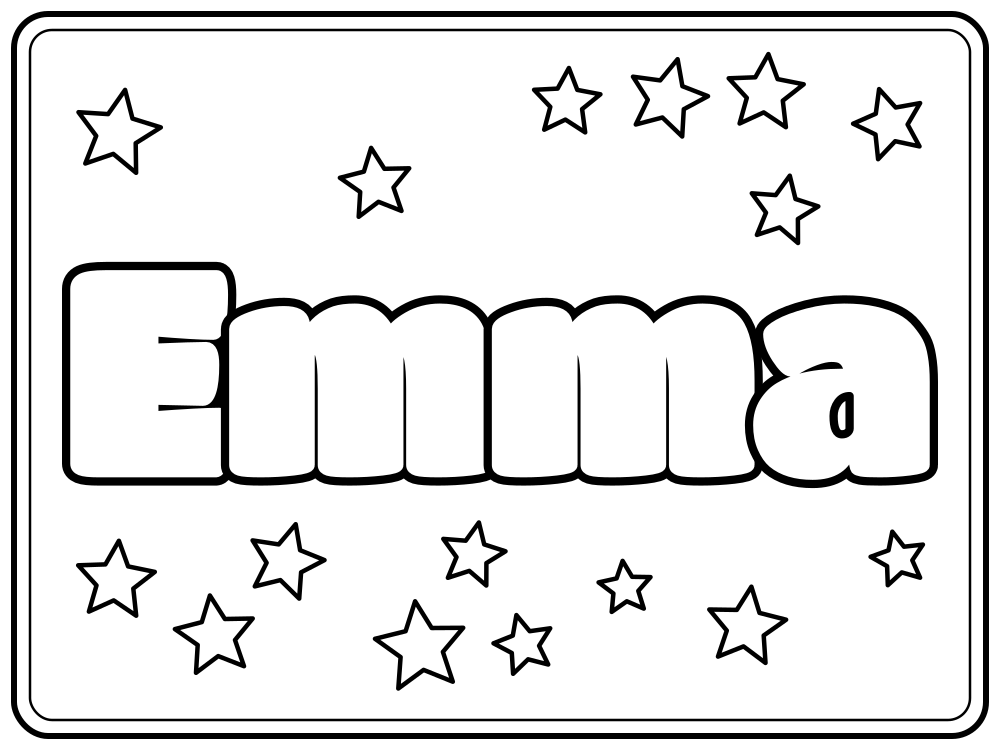
Emma, bubbly letters with stars and a border. 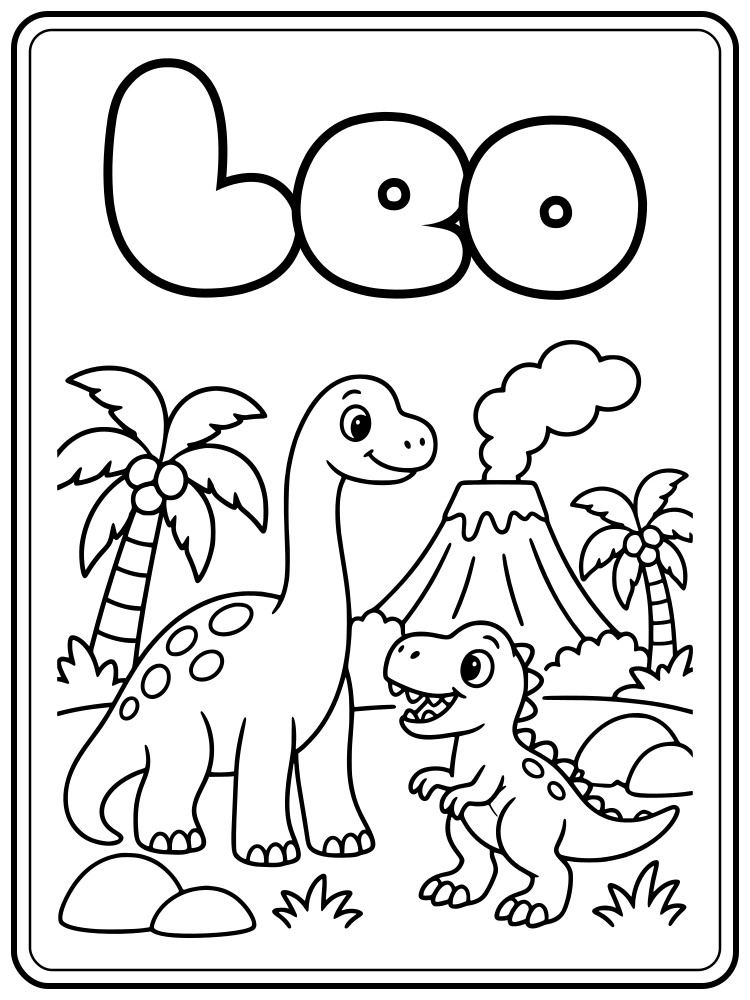
Leo, round letters with a dinosaur picture. 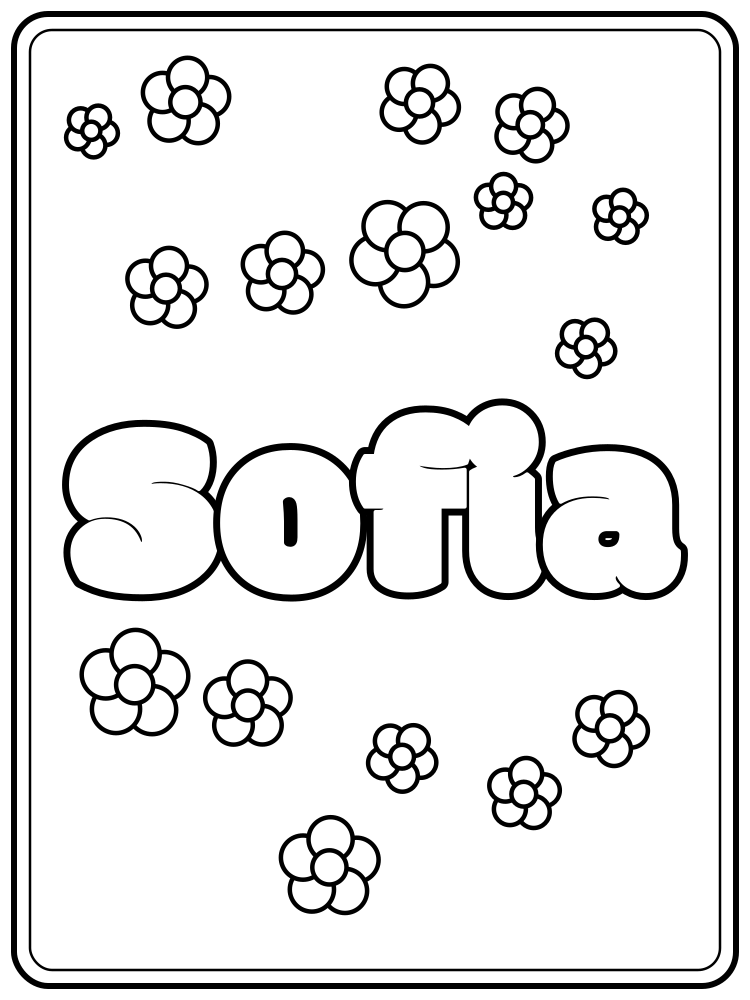
Sofia, chunky letters with flowers on a tall page.
Ways to use a name page
- Place cards or placemats for a birthday party. Kids color their own seat.
- A cover for a first day of school folder or a reading log.
- Door signs and cubby labels for a classroom, one page per child.
- A quiet activity for a waiting room or a long trip. Print a few names at once.
- A personalized coloring page for a gift bag, with the child's name over a picture of their favorite things.
Learning to write the name too? Make a name tracing worksheet with the same name. Want a picture instead of letters? The coloring page generator draws any idea as a page to color.
Questions and answers
Is the name coloring page free?
Yes. You can make, download and print as many name pages as you like, with no account. A picture under the name counts as 1 page from the page maker, which gives you 1 free page a day, or 300 a month with Premium.
Can I add a picture to the name?
Yes. Choose a theme or type your own idea. Let AI choose an illustration style, pick a style such as storybook or geometric, or describe your own. The picture sits under the exact bubble letters.
Why isn't the name part of the drawing?
AI drawing tools often get letters wrong. So the page maker draws only the picture, and the name is always our own bubble letters, placed above the picture so the two never overlap.
Which paper size do I need?
We pick US Letter or A4 from your device's region, and you can switch it under Paper. The page fits inside the margins, so nothing gets cut off at the edges.
Can I make pages for a whole class?
Yes. Type each name, download the PDF and move on to the next one. Each page takes a few seconds, and the settings stay the same between names.
Which names and characters work?
Letters A to Z, accented letters like é, ñ and ü, numbers, hyphens and apostrophes. Two or three words, like Emma Rose, go on separate lines. Letters from other alphabets are skipped for now.
What is the SVG file for?
The SVG is a vector file that stays sharp at any size. Open it in Canva, Inkscape or Illustrator to add the name to your own design, a banner or a poster.
Is the name sent anywhere?
No. The letters are drawn in your browser, so the name stays on your device. An optional AI picture sends only its theme or description and the art style. The name and picture are put together in your browser. Read about privacy.