Spider web SVG

Print or download this SVG cut file
More formats and options
Free for home and classroom use. License
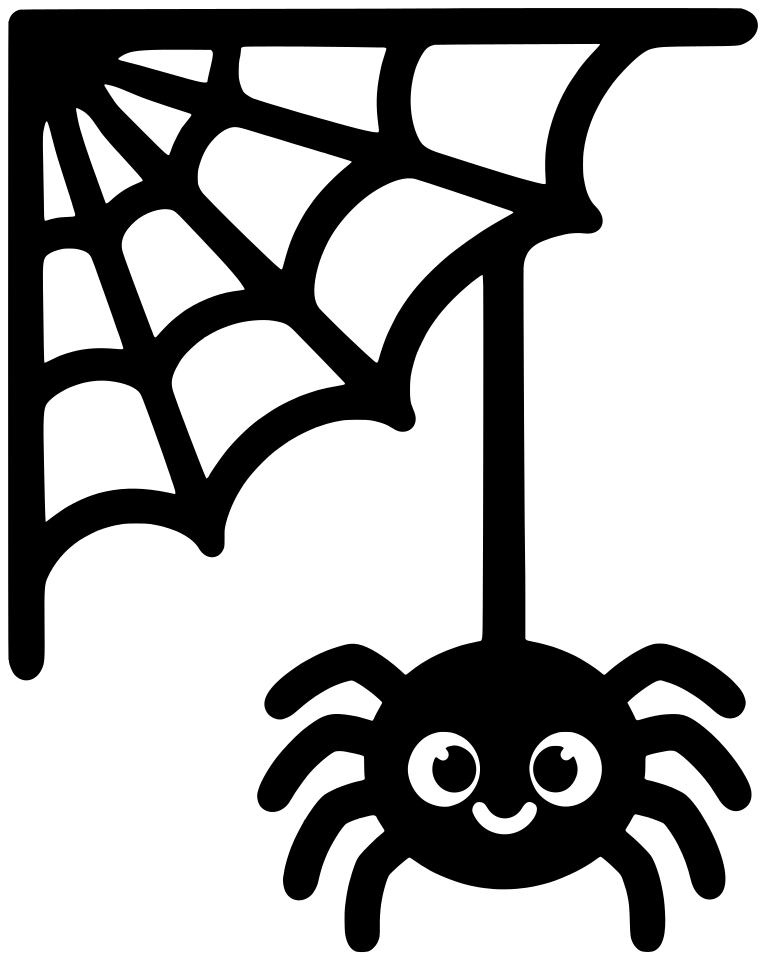
A corner spider web with thick strands and a small, cute spider hanging from a thread. Place it on the corner of a shirt, a window or a party sign. Cut it at least 5 inches wide so the strands stay sturdy.
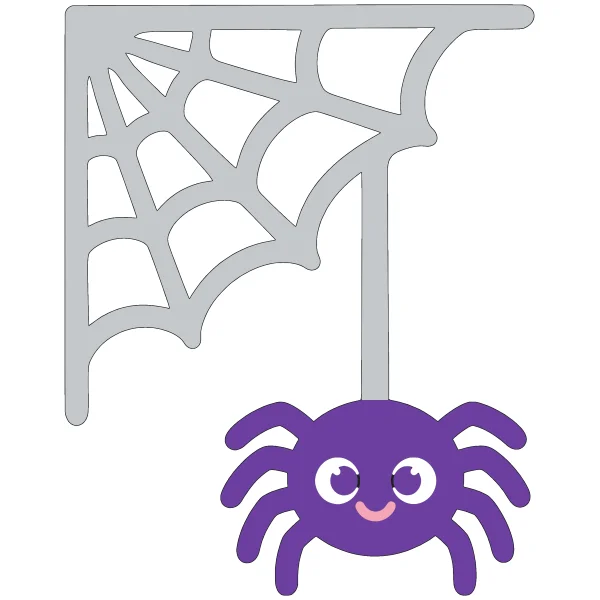
- Black (base)
- Silver
- Purple
- White
- Pink
Upload it to Cricut Design Space
- Tap Download SVG.
- In Design Space, choose Upload, then Upload image, and pick the file.
- Set the size on the canvas, then Make it.
How to use layered SVGs in Cricut Design Space
- Tap Layered SVG and upload the file the same way. Each color comes in as its own layer, with the base at the bottom.
- Keep the layers grouped while you resize, so they still line up.
- Choose Make it. Each color goes on its own mat, so load the matching cardstock or vinyl.
- Glue or press down the base first, then add the other layers on top.
Small pieces are easiest to cut and place at 5 inches or larger.
Make a coloring page of your own
Describe a picture and we draw it as a black and white coloring page. It doesn't make cut files.


