Christmas truck SVG

Print or download this SVG cut file
More formats and options

Free for personal use and gifts. Selling things you make is part of Premium. License
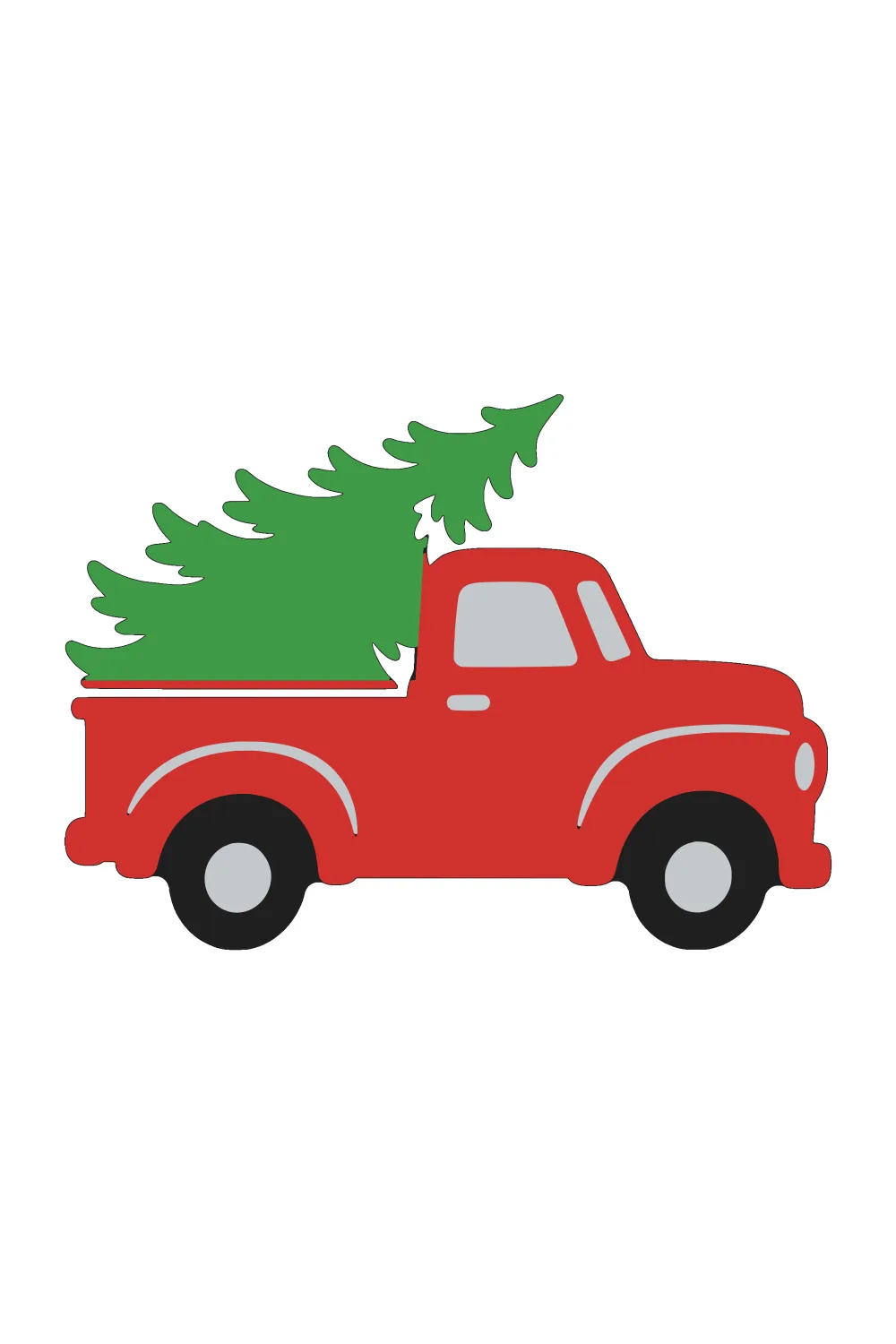
An old pickup truck carries a Christmas tree home. It is a favorite for farmhouse signs, pillows and shirts. Cut the truck in red and the tree in green for a two-color layer.
Layered version, shown in color4 layers, one per color:
- Black (base)
- Red
- Green
- Silver
Upload it to Cricut Design Space
- Tap Download SVG.
- In Design Space, choose Upload, then Upload image, and pick the file. Then Add to Canvas.
- Set the size on the canvas, then Make it.
- For iron-on, turn on Mirror for each mat.
How to use layered SVGs in Cricut Design Space
- Tap Layered SVG, upload the file the same way and Add to Canvas. Each color comes in as its own layer, with the base at the bottom.
- Keep the layers grouped while you resize, so they still line up.
- Choose Make it. Each color goes on its own mat, so load the matching cardstock or vinyl. For iron-on, turn on Mirror for each mat.
- Glue or press down the base first, then add the other layers on top.
Small pieces are easiest to cut and place at 5 inches or larger.
Silhouette: Studio Basic Edition can't open SVG files. Use Designer Edition or higher, or open the PNG in Basic and trace it.
Design a one-color SVG with AI
Describe a simple design, then download the black-and-white SVG. The AI option makes a single-color design; the library's layered color files are separate.
About this page
An old-fashioned pickup carries a tied evergreen over its open bed. Keep the dark wheels separate from the red body and green branches so the silhouette remains readable. The narrow branch tips need patient weeding at a size of 6 inches wide or more. A related snowy scene appears on the tree truck coloring page.